Apple Pay is an easy, secure, and private payment method at stores, online sites, and right on your favorite apps. Apple Pay is available with Liobank Visa cards on your iPhone, Apple Watch, iPad, and Mac
Key Features
01
Easy
With Apple Pay, you can pay for all transactions with your Liobank Visa card right on your Apple device with three zeros: no wallet, no cash, no fees
02
Private & Secure
Secure transactions with FaceID or TouchID. Card information is encrypted and not stored on Apple's devices or servers, nor is it ever shared with the seller
03
Payment Linking
Seamless process, fast and easy payment by searching for the icon on online shopping pages and in the app
Instructions on 2 ways to add a Liobank Visa card to Apple Wallet
On the Liobank app
Step 1
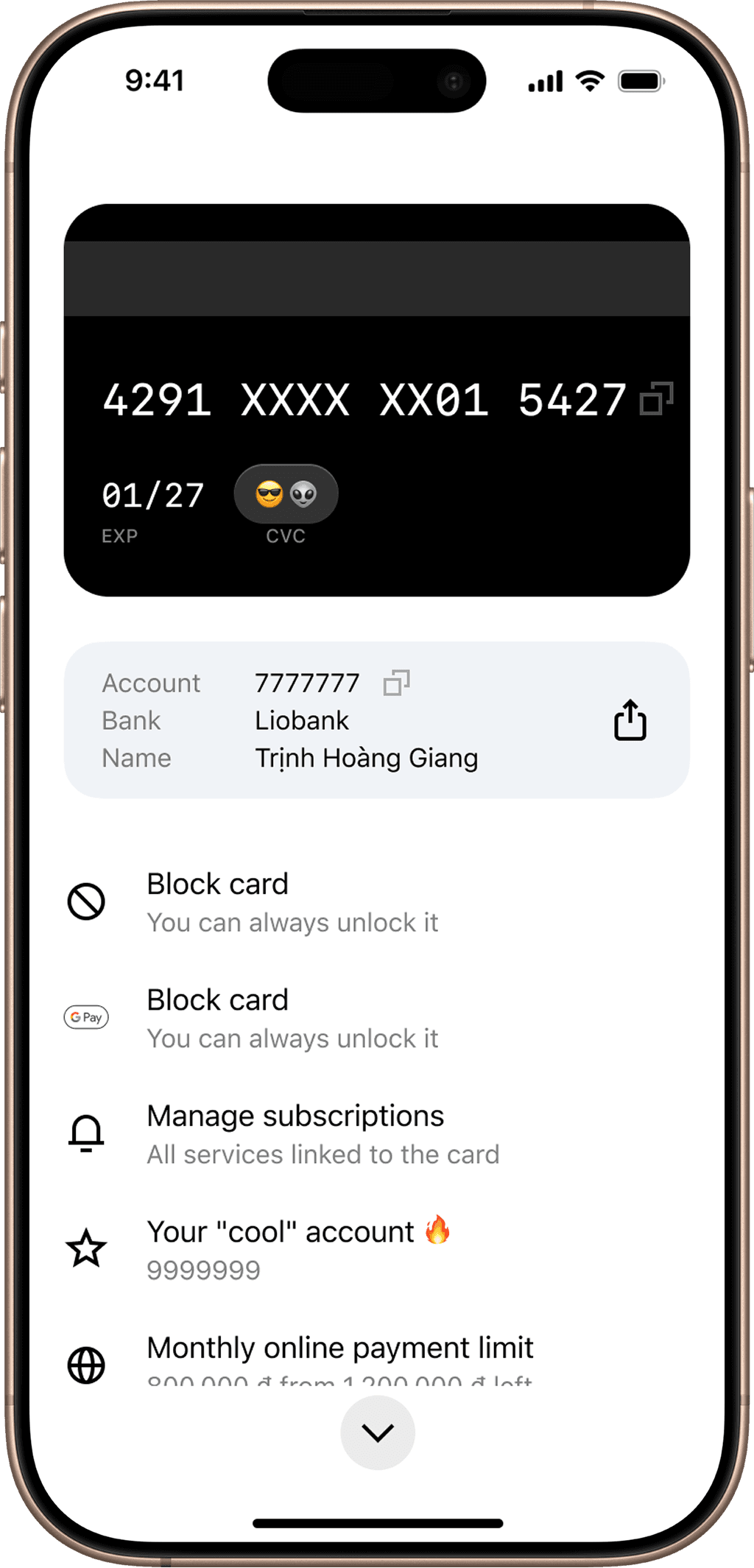
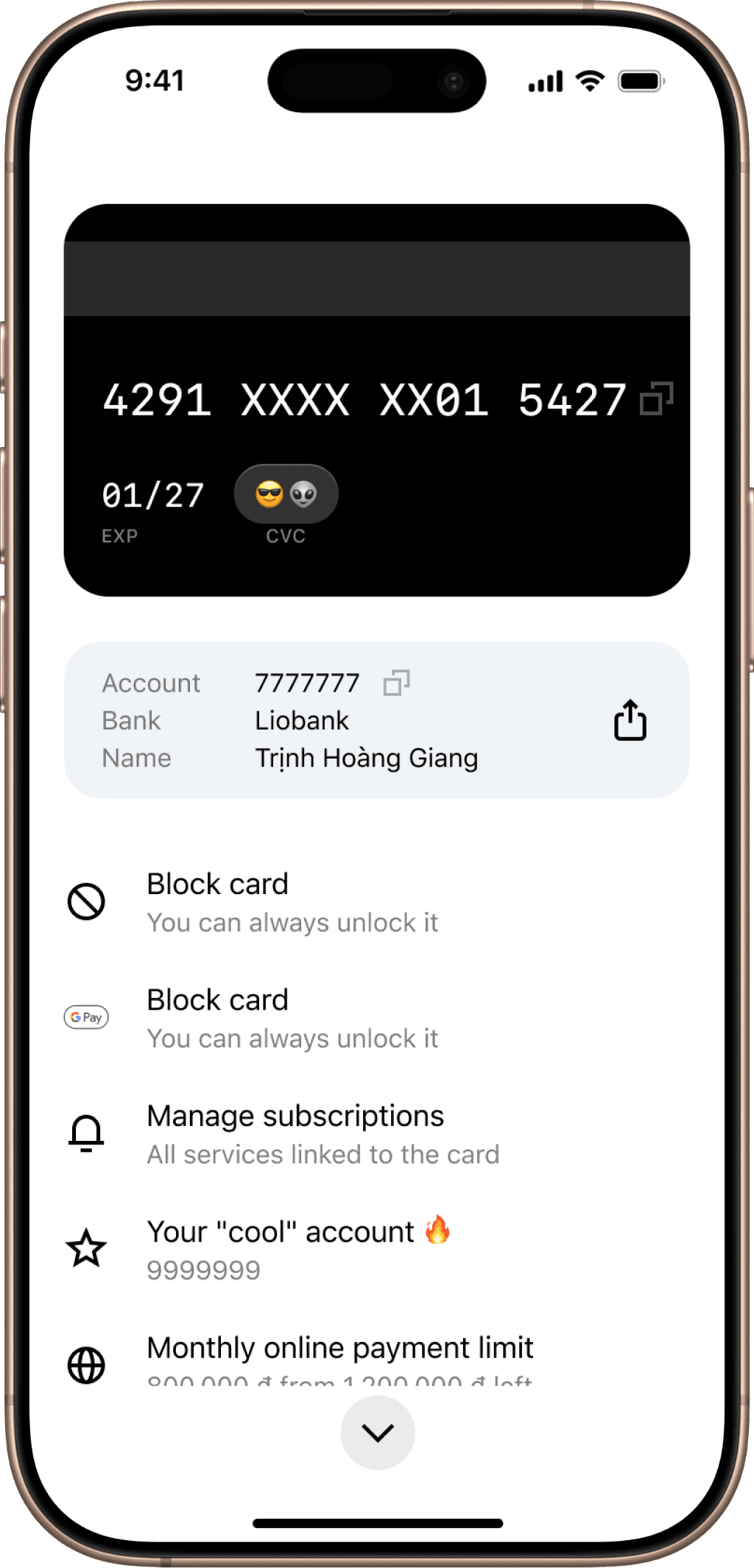
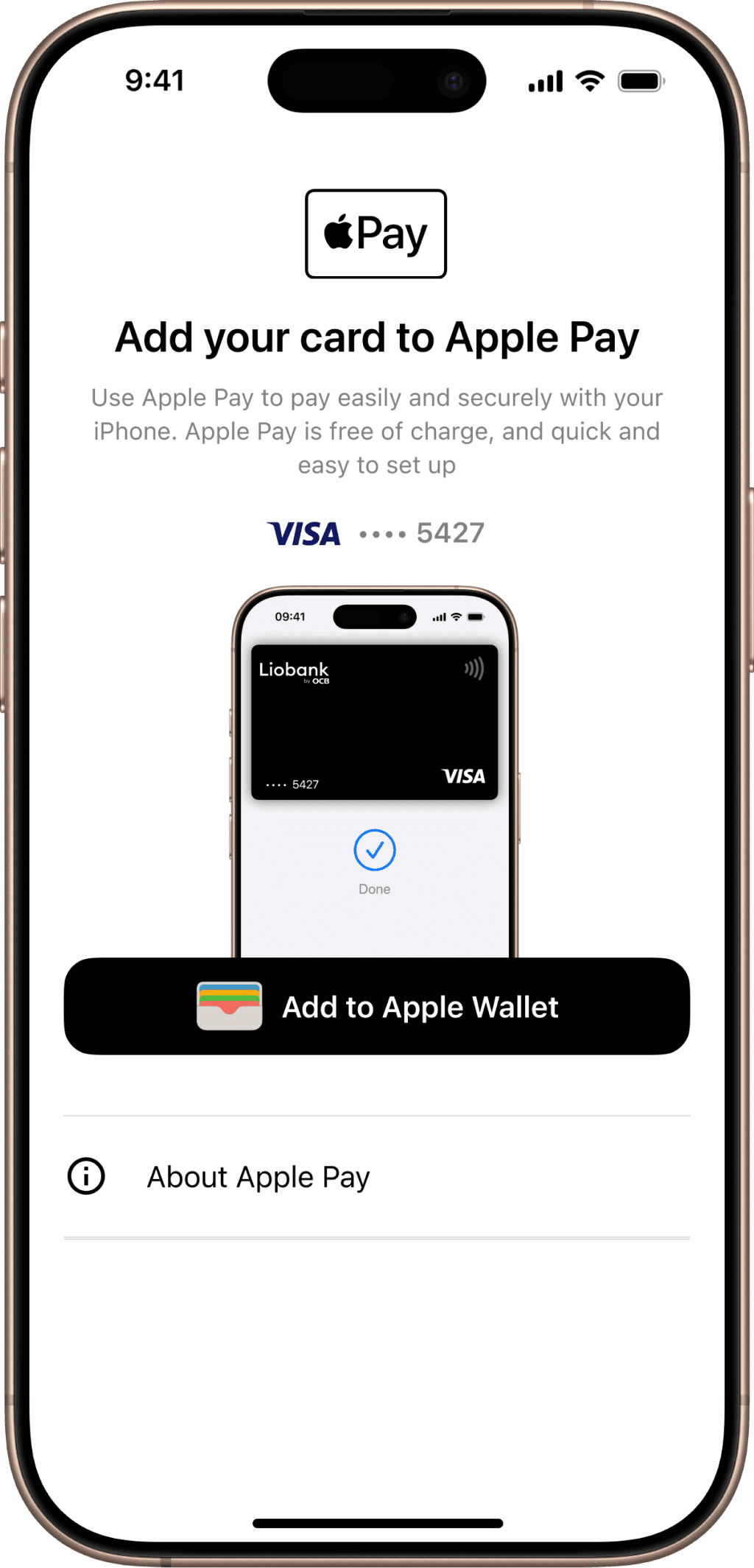
Log in to the Liobank app, select “Set up card” on the home screen and select “Add to Apple Wallet”
Step 2
Select “Add to Apple Wallet”
Step 3
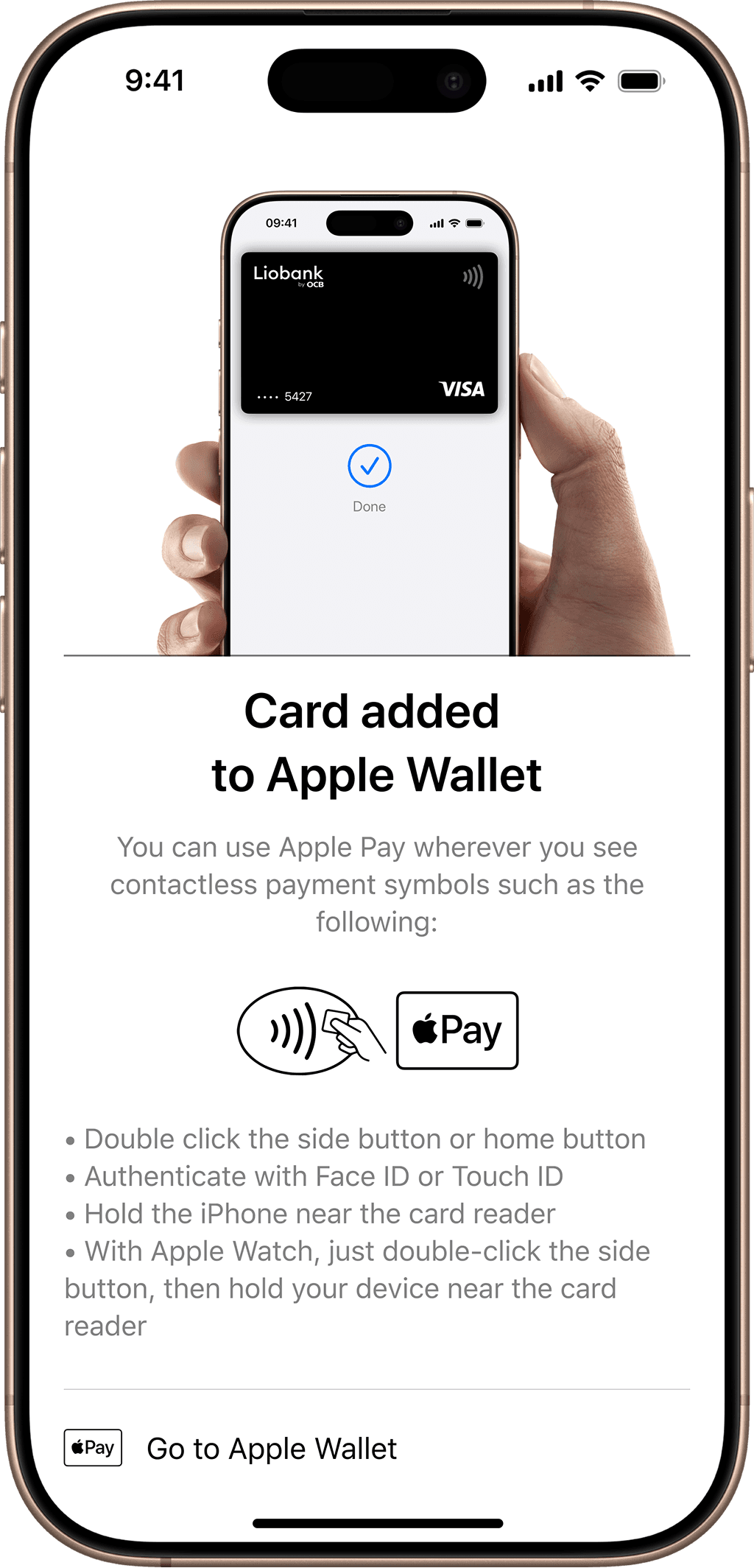
Complete adding your Liobank card and you're ready to use it with Apple Pay
On the Apple Wallet app
Step 1
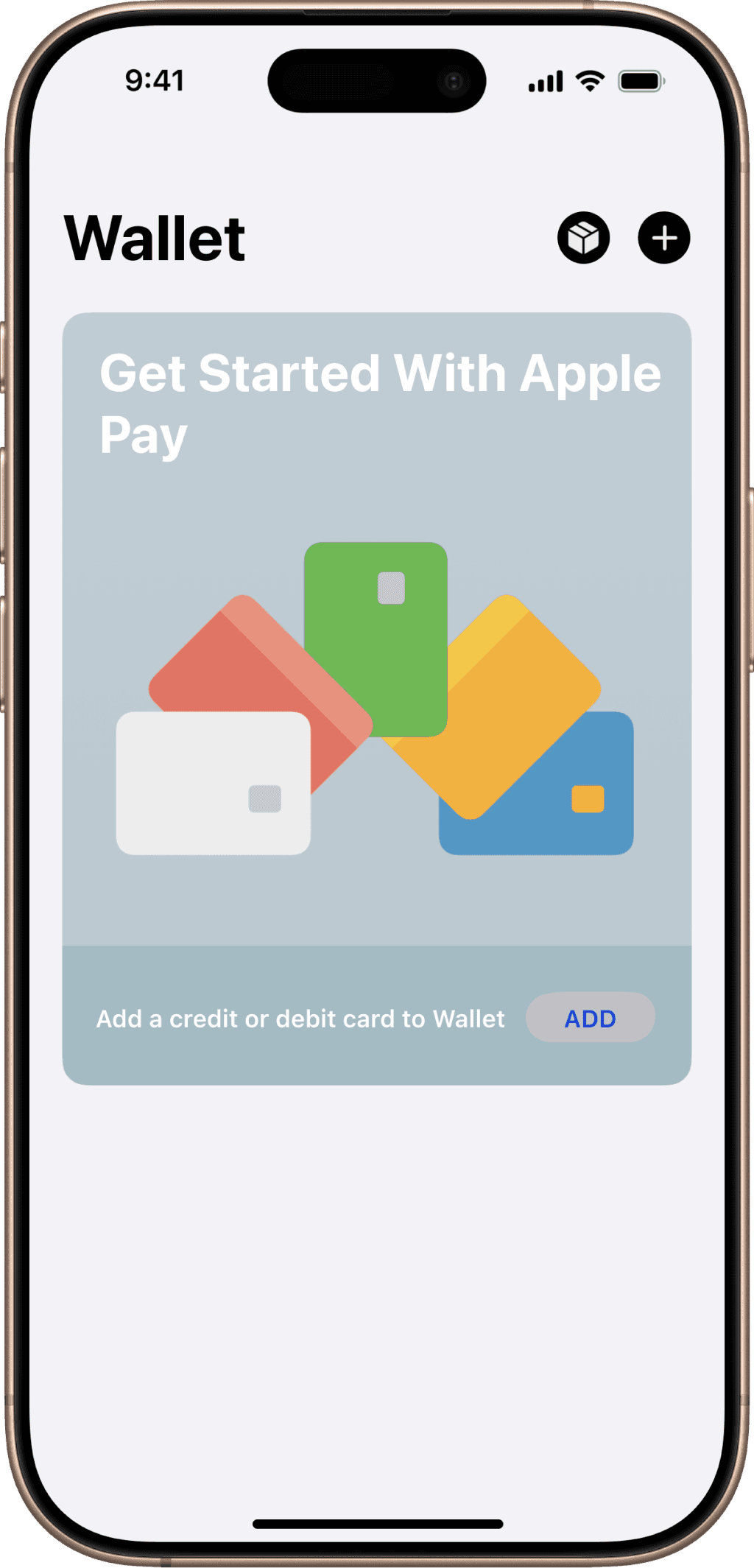
Open Apple Wallet on your iPhone, then tap the plus (+) sign to begin
Step 2
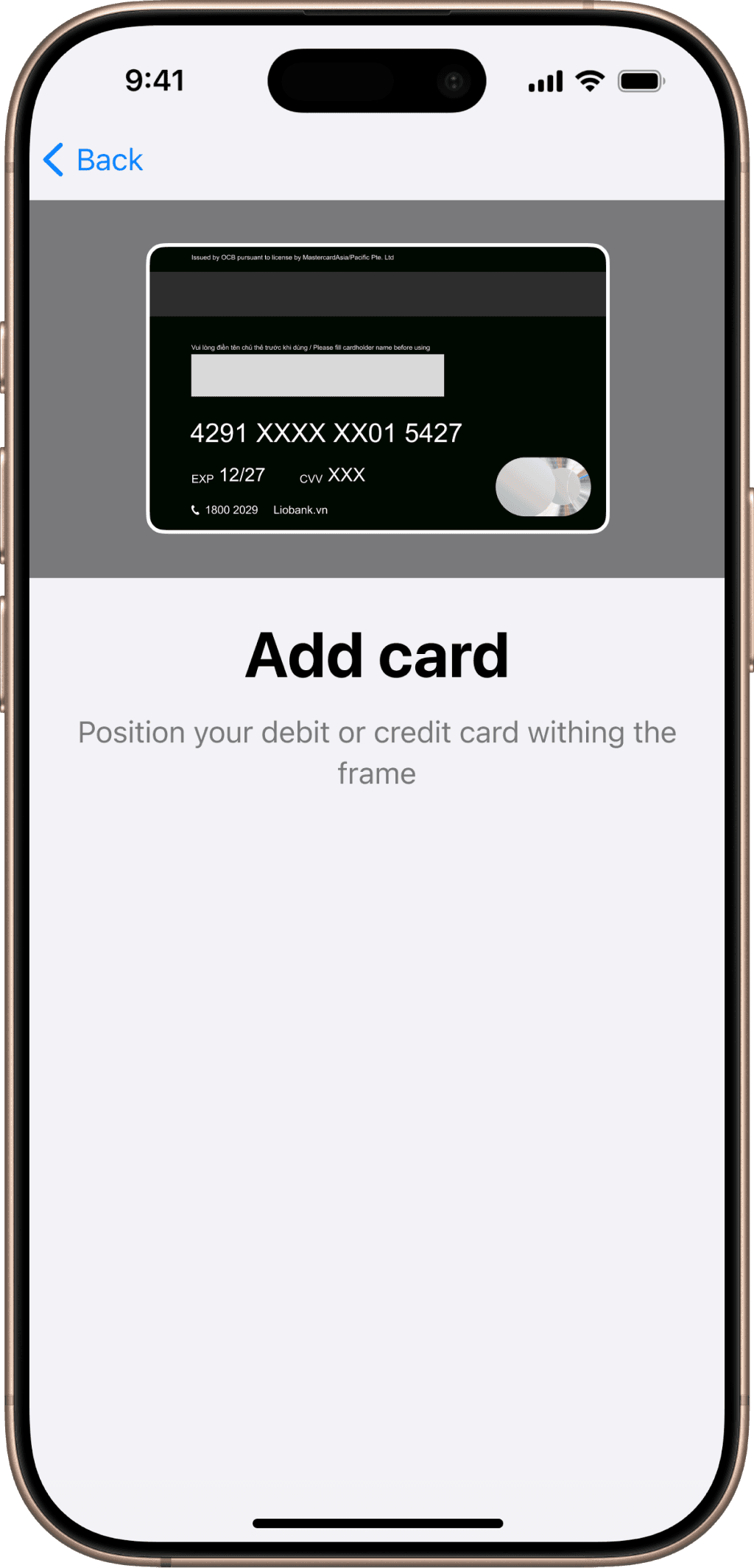
Scan or enter your card information and follow the on-screen instructions
Step 3
Select Liobank as your default card and you're ready to use Apple Pay
Hands-free payment with Apple Wallet
Step 1
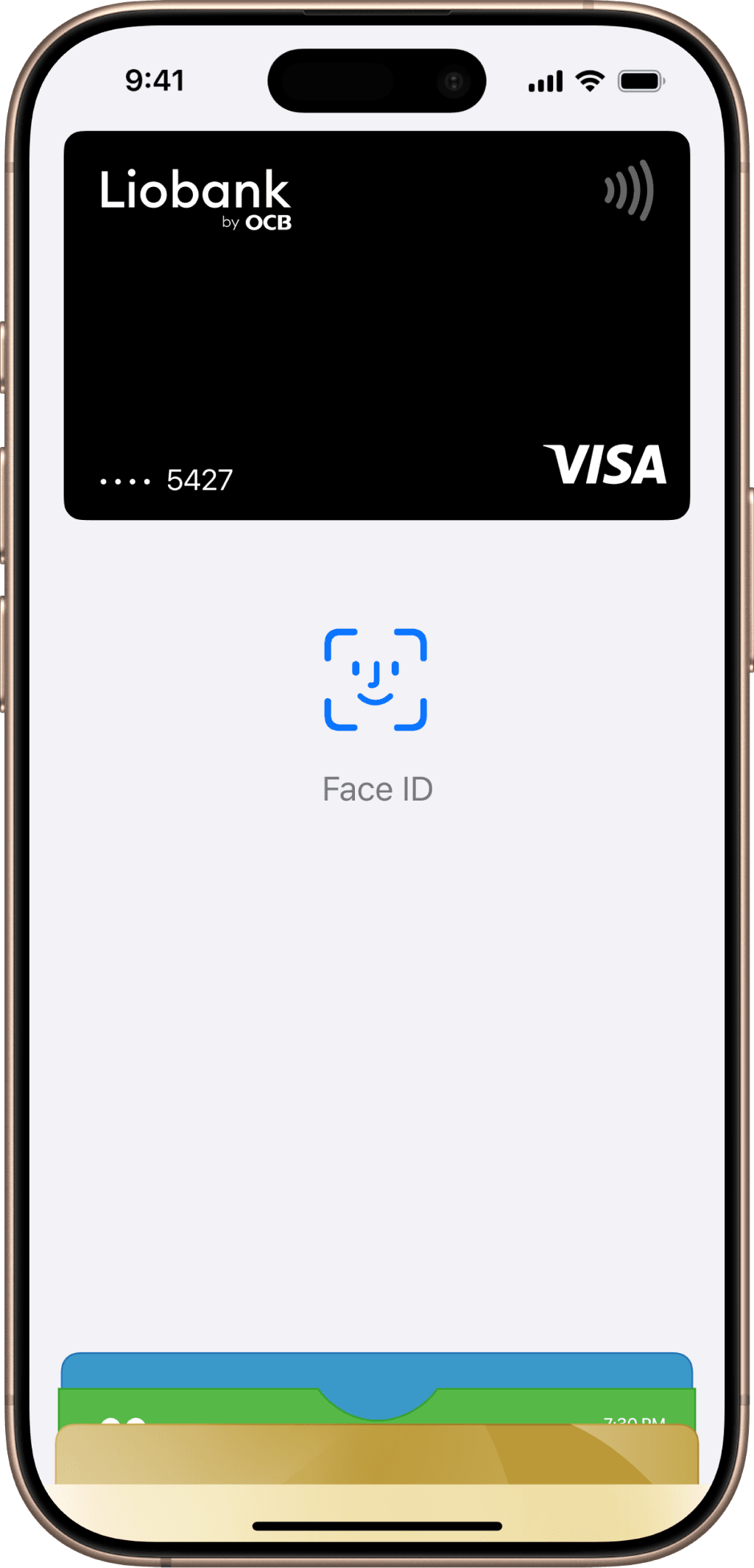
Double-tap the side button/Home button and authenticate with Face ID/Touch ID or enter your passcode
Step 2
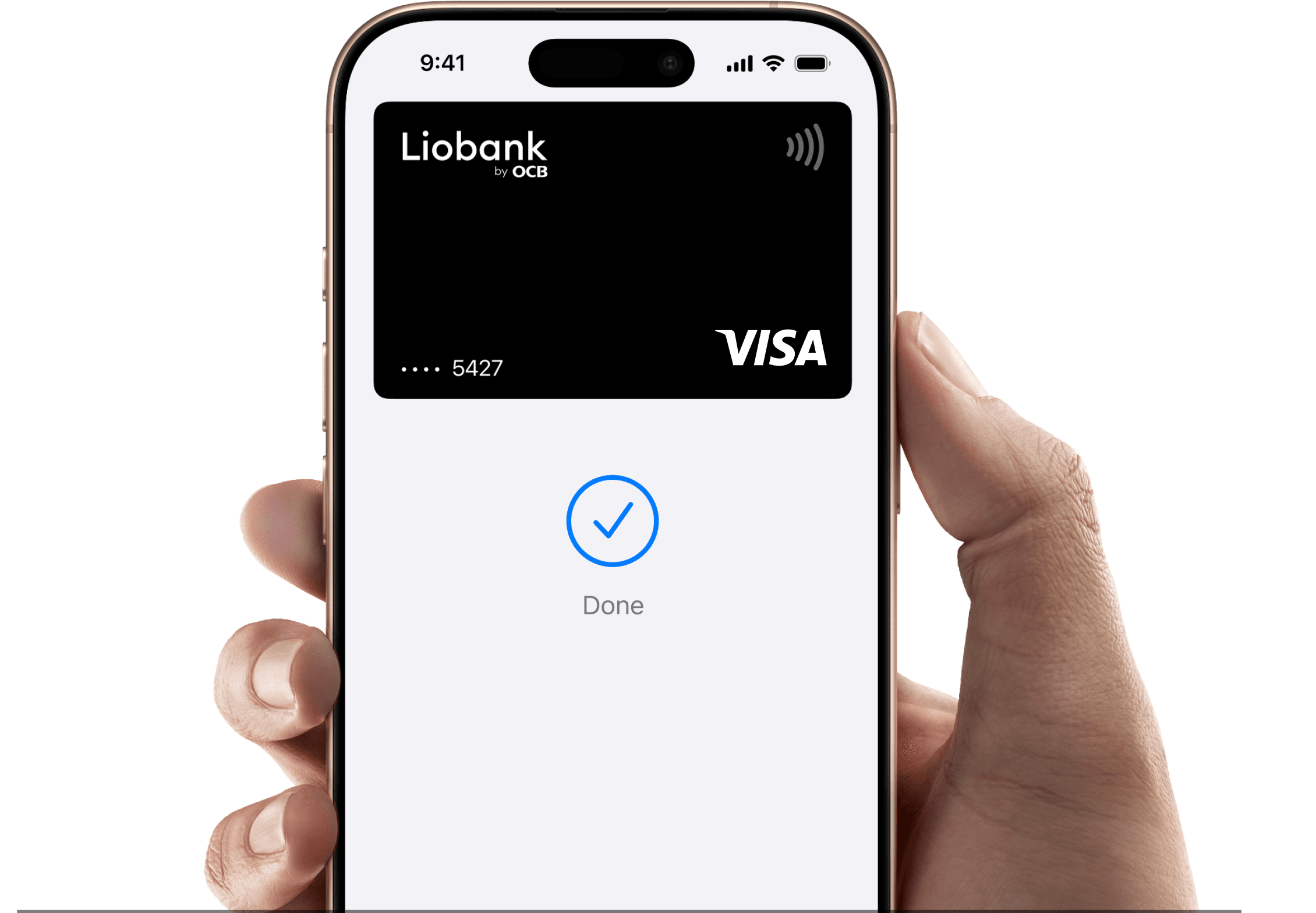
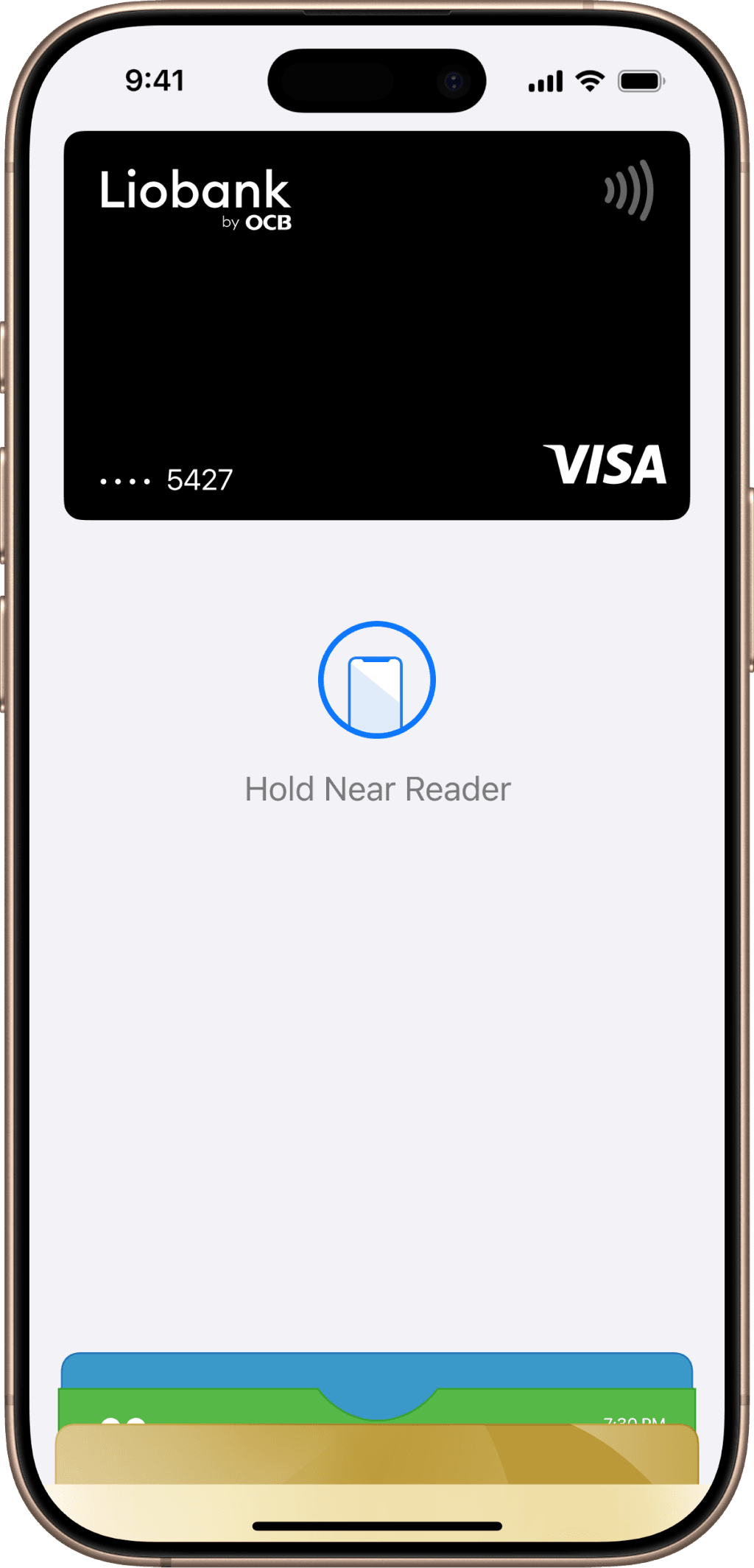
Hold your phone near the reader to pay
Step 3
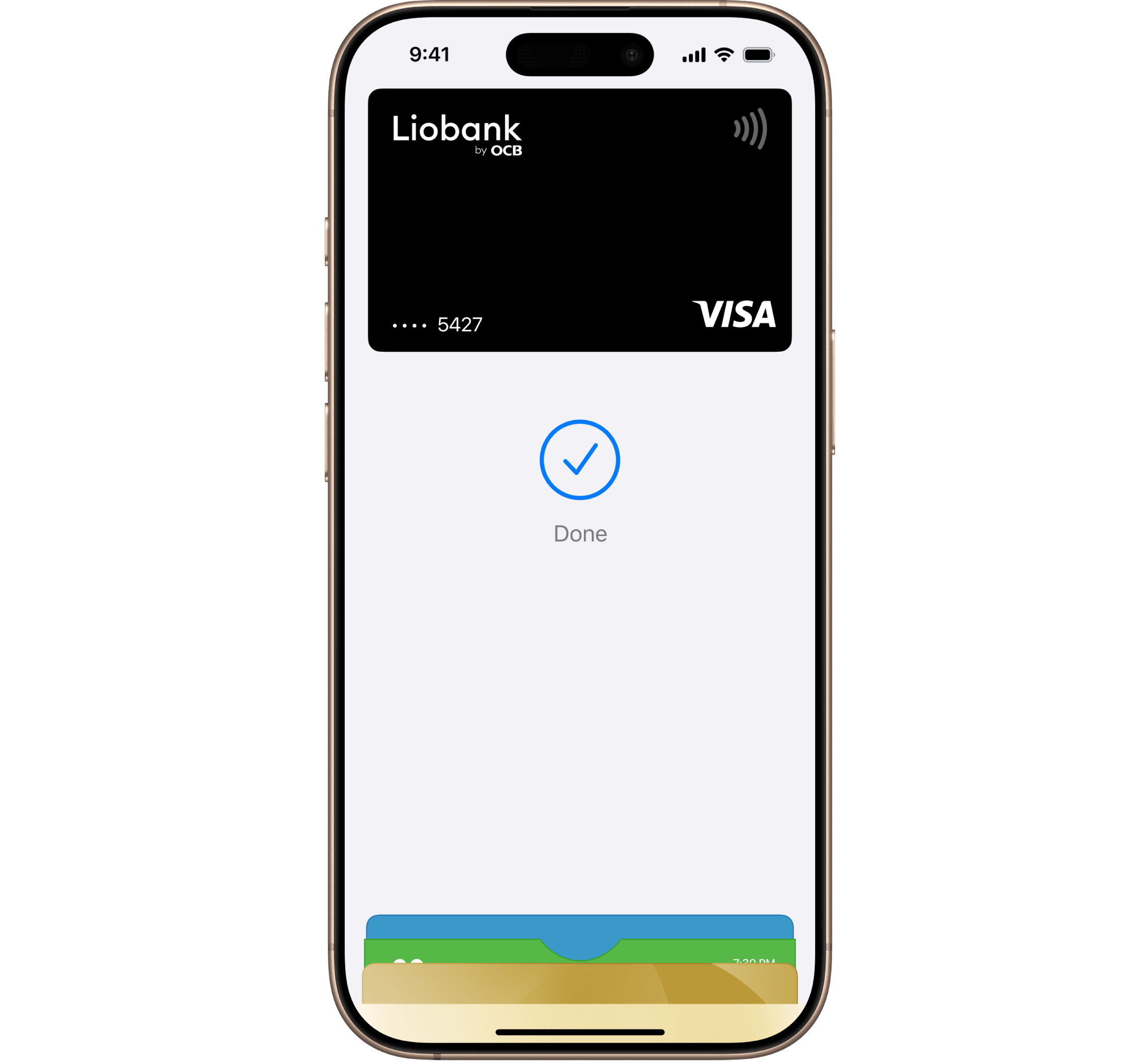
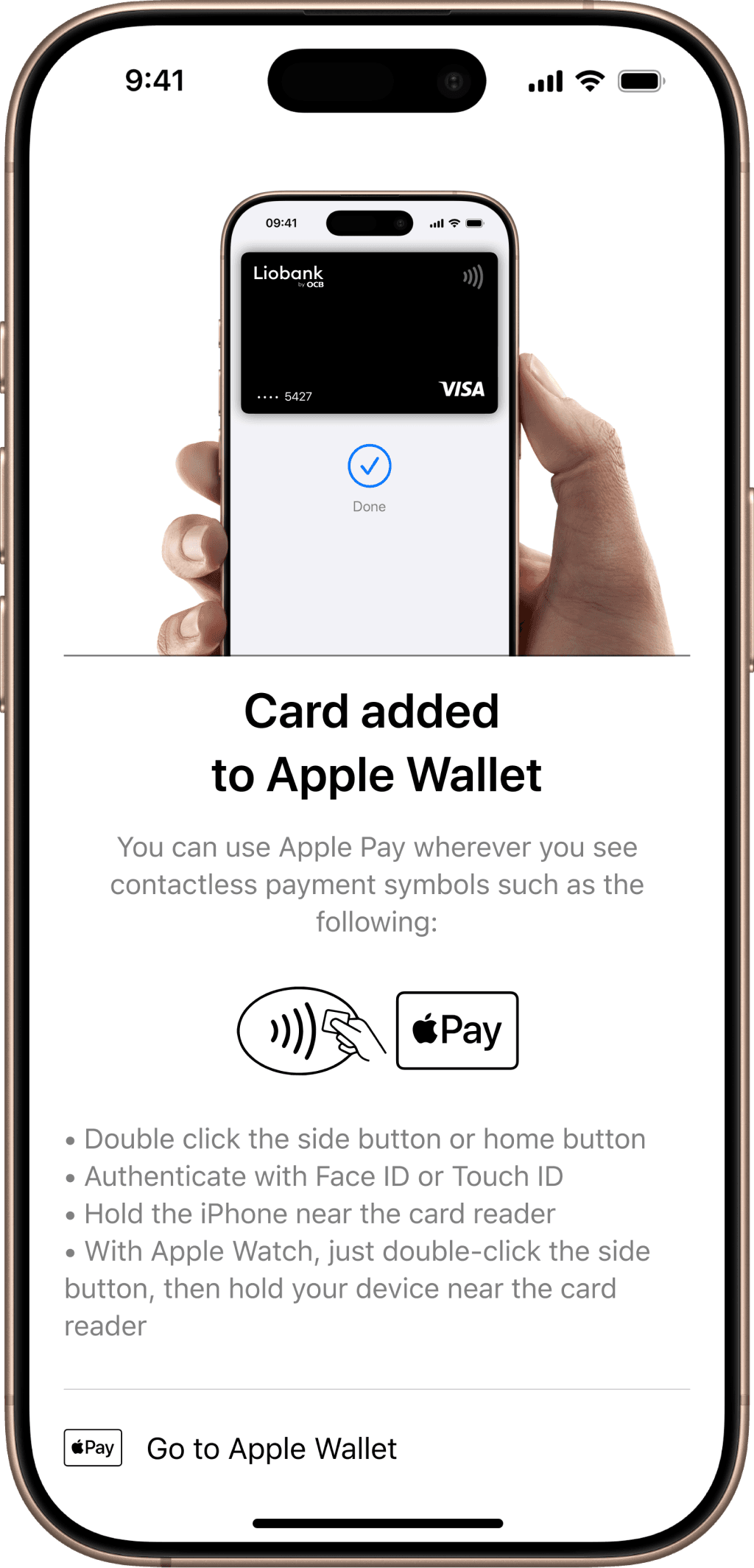
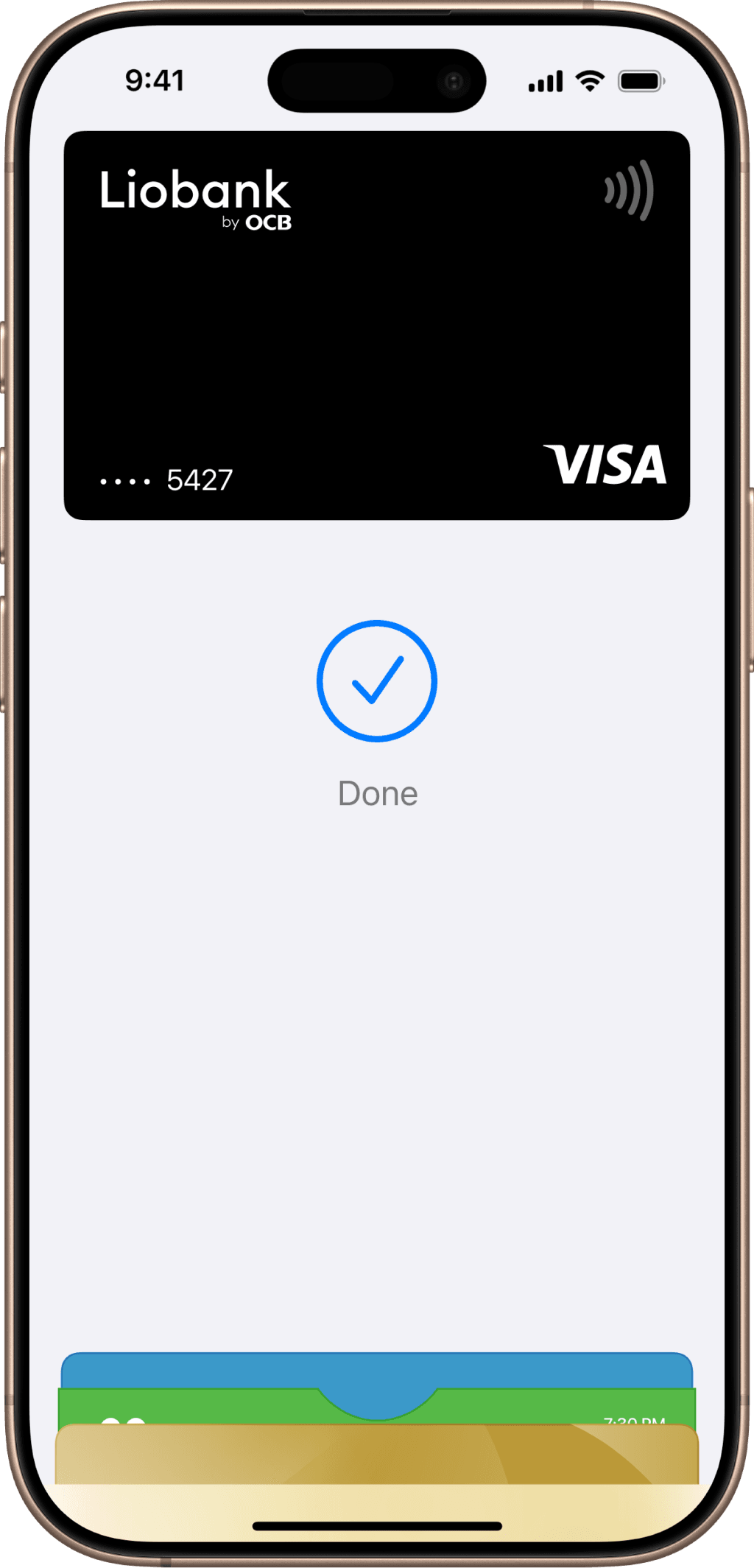
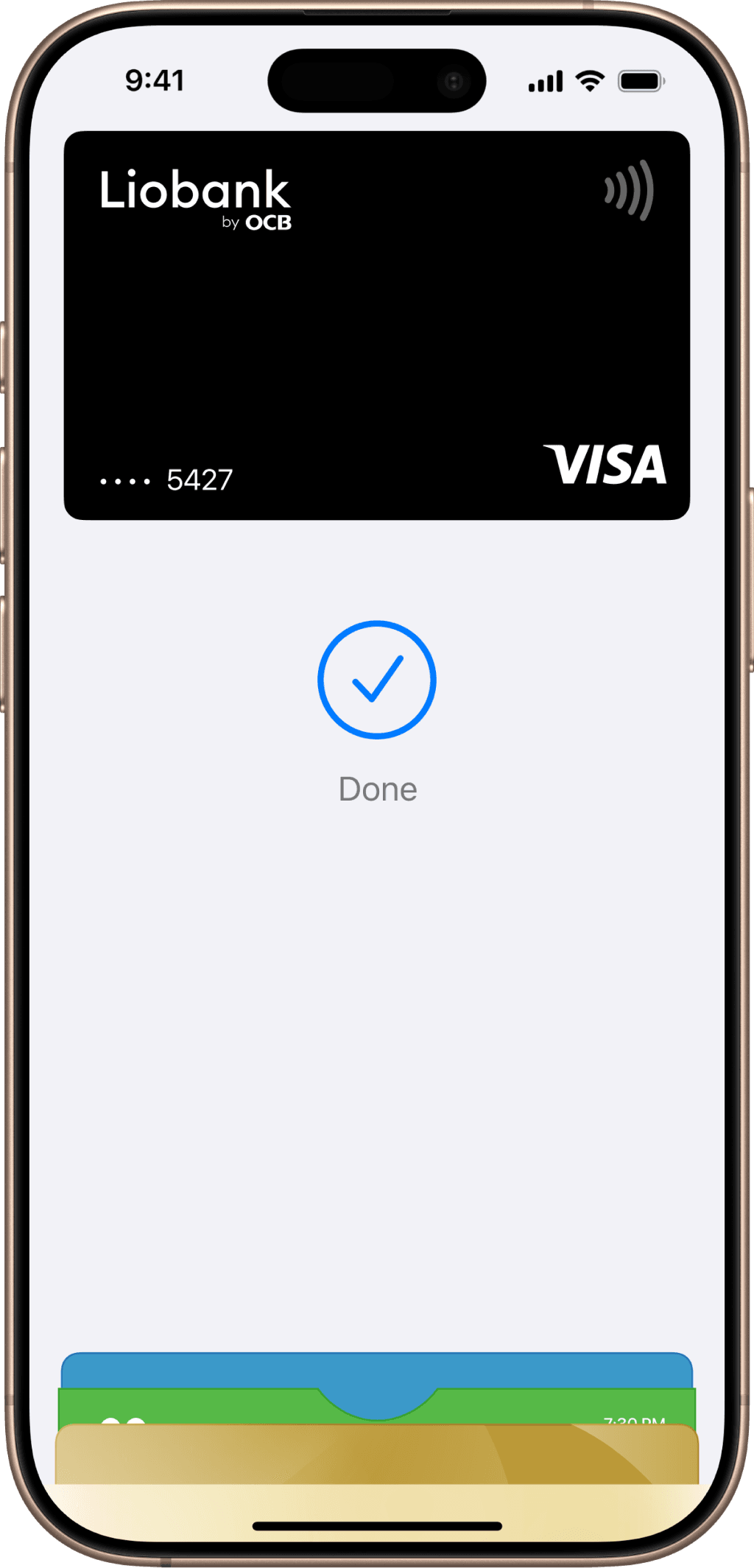
When the “Done” checkmark icon appears, your transaction has been completed successfully
Pay with Apple Wallet anywhere!
Whenever you see the Apple Pay icon or the contactless payment symbol , you can make payments in stores and online in Vietnam and around the world
Easily manage devices linked to Apple Pay with Liobank
Step 1
Log in to the Liobank app, select “Set up card” on the home screen and select “Pay via Apple Wallet/Google Wallet”
Step 2
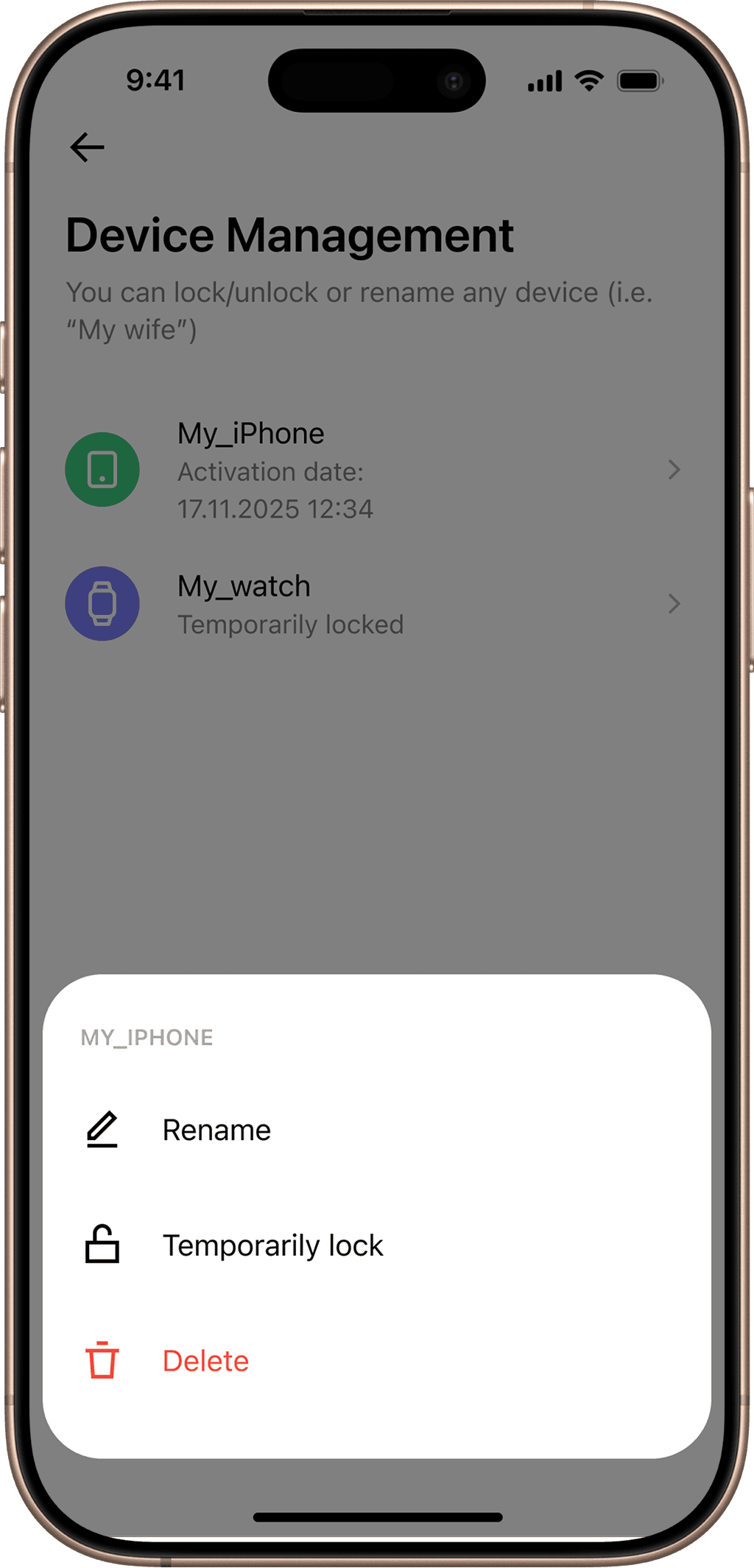
Select “Manage devices”
Step 3
Select the device you want to manage. Here you can Rename, Temporarily Block, or Delete the device
Frequently Asked Questions 🧐
Is using Apple Pay safe?
Security and privacy are Apple's priorities. Your actual card number is not stored on Apple's device or servers. All transactions require FaceID, TouchID, or your device's passcode. These features are designed specifically for purchases made through Apple Pay
Why use Liobank cards to pay on Apple Pay?
You have multiple cards but don't want to carry them around. You're worried about your card information being compromised or stolen. Liobank allows you to add your Liobank Visa card to your Apple Pay wallet and simply carry your mobile device to make secure and safe payments
Which Liobank cards are accepted for payment on Apple Pay?
Liobank issues Visa branded cards that are all active, not blocked or canceled, and are valid
Are all Apple devices compatible with Apple Pay?
Available on iPhone 6 and later running iOS 12.5.2 or later.
Available on Apple Watch Series 4 and later running watchOS 9 or later. Apple Watch must be paired with iPhone 8 or later. Some features may vary. For more information, visithere
Where can I pay with Apple Pay?
You can make payments with Apple Pay at all merchant locations displaying the Apple Pay logo and/or at merchant locations with contactless POS terminals that support NFC
What are the spending limits when paying with Apple Pay?
Liobank currently does not have any transaction limits when paying with Apple Pay. The spending limit via Apple Pay is the same as the limit on your regular physical card
What are the fees for using the card when paying with Apple Pay?
Liobank does not charge any additional fees to cardholders when registering and using the card on the Apple Pay wallet
What to do if you lose your phone?
Immediately notify Liobank's Customer Service Department (operating 24/7) to request blocking of the physical card or blocking/removing the card link from the device linked to Apple Pay. The Customer Service Department currently has the following contact channels:
National Customer Service Hotline: 1800 2029 (Toll-free)
International Customer Service Hotline: +84 24 3880 2029
Support messaging channels: Zalo, Facebook Messenger, Telegram, and Instagram
Email: info@liobank.vn
Can I delete Apple Pay card information?
You can delete linked card information on your Apple Pay wallet when you no longer need to use it.
After deletion, you can still re-link the card to your Apple Pay wallet to use it
Do I need to add my card again if my card number changes?
When your card number changes, your new card number will be automatically updated in Apple Wallet
Can Apple Pay be used overseas?
You can use Apple Pay worldwide at any merchant that accepts Visa cards and supports contactless payments via NFC or Apple Pay-enabled POS terminals
Will payments made via Apple Pay still receive the benefits associated with the linked card?
You will continue to enjoy all benefits and promotions applicable to the card linked to your Apple Pay wallet when making payments
Download the Liobank app and apply for your card to start using Apple Pay today




 on online shopping pages and in the app

 , you can make payments in stores and online in Vietnam and around the world