Liobank

Free and simple payments and transfers with Liobank

Make quick payments and transfers with the Liobank app. All convenient and free with many awesome features. You'll be surprised!
Scan to download the app
App Store
Play Market
ninja

Top up your Lio card easily with 3 ways 😎

01
step 1

Account Information

You can top up by transferring money from another bank to your Liobank account
02
step 2

QR Code

Top up your card using your QR code
03
step 3

Cash Top-up

You can top up your account by depositing cash at OCB branches

How to transfer money through the Liobank app

  1. Select “Transfer Money” on the main screen or in the Payment section.
  2. Choose the recipient using one of the following 3 methods.
  3. Enter the amount you want to transfer and confirm the transaction. That's it!
Hint: Don't forget to save the recipient's information so you can easily transfer money next time
Mobile phone

In addition, there are 2 unique features that only Lio users can use:

step 2

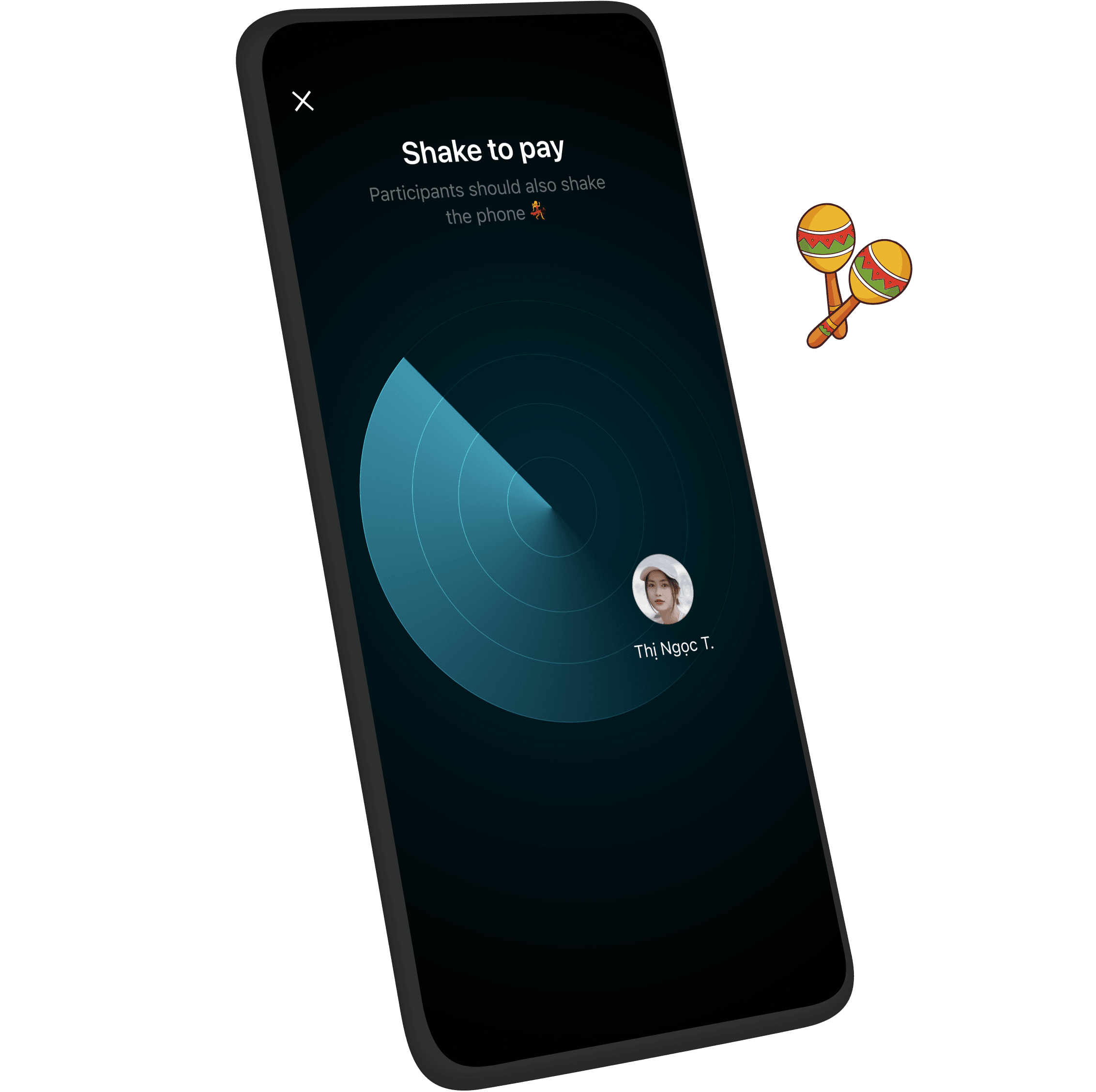
Shake to transfer money

Transfer money using this method is extremely easy. You can transfer money to other Liobank users who are nearby. Just shake your phone and you're done! No need to enter account numbers or any other information

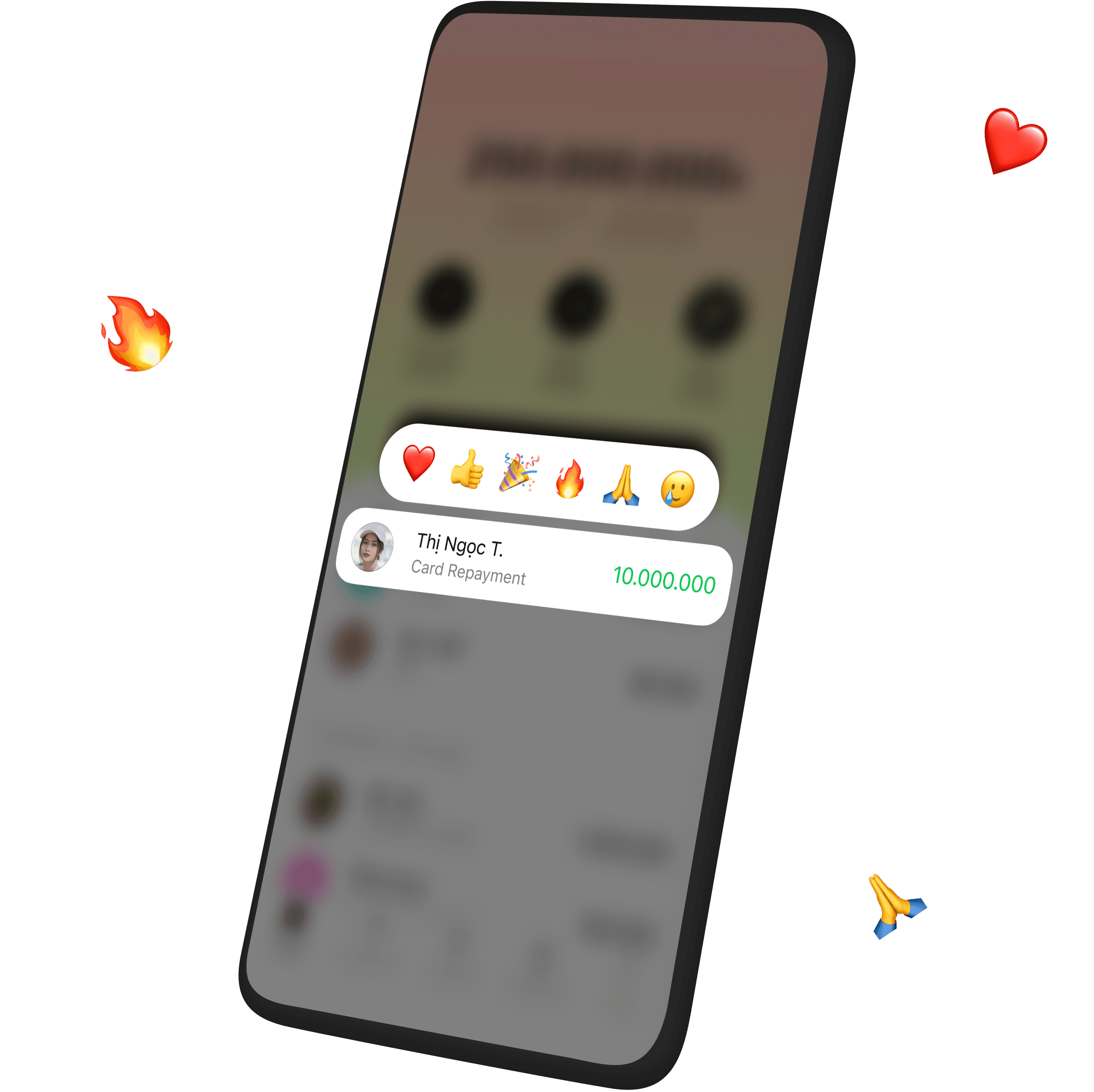
Add reactions to transactions

If you receive a transfer from another Liobank user, you can add reactions like ❤️ 👍 🎉 🔥 🙏 😢 to these transfers just like you're chatting! This is not only fun, but also saves time as you can conveniently let them know that you've received the money

step 3

Top up your phone credit

  • Select “Top up phone credit” in the payment section
  • Choose the recipient's phone number from your contacts or enter your chosen phone number
  • Select the amount you want to top up from 10,000₫ to 500,000₫
  • Confirm payment
A surprise is that you will receive 1% cashback for each phone credit top-up transaction!
Mobile phone
Mobile phone

Pay utility bills

  • Select “Utility bills” in the payment section
  • Select or create a new bill folder (it can be home or addresses as you request)
  • Add bills to the folder (select the service provider and enter bill information)
  • Select the bills and make the payment
Bills added to the folder will be automatically paid by Liobank Updates are provided whenever there's a new invoice
We'll also send notifications when there's a new invoice so you can easily make payments

Unique Features

Have you tried
them yet? 🙃
01

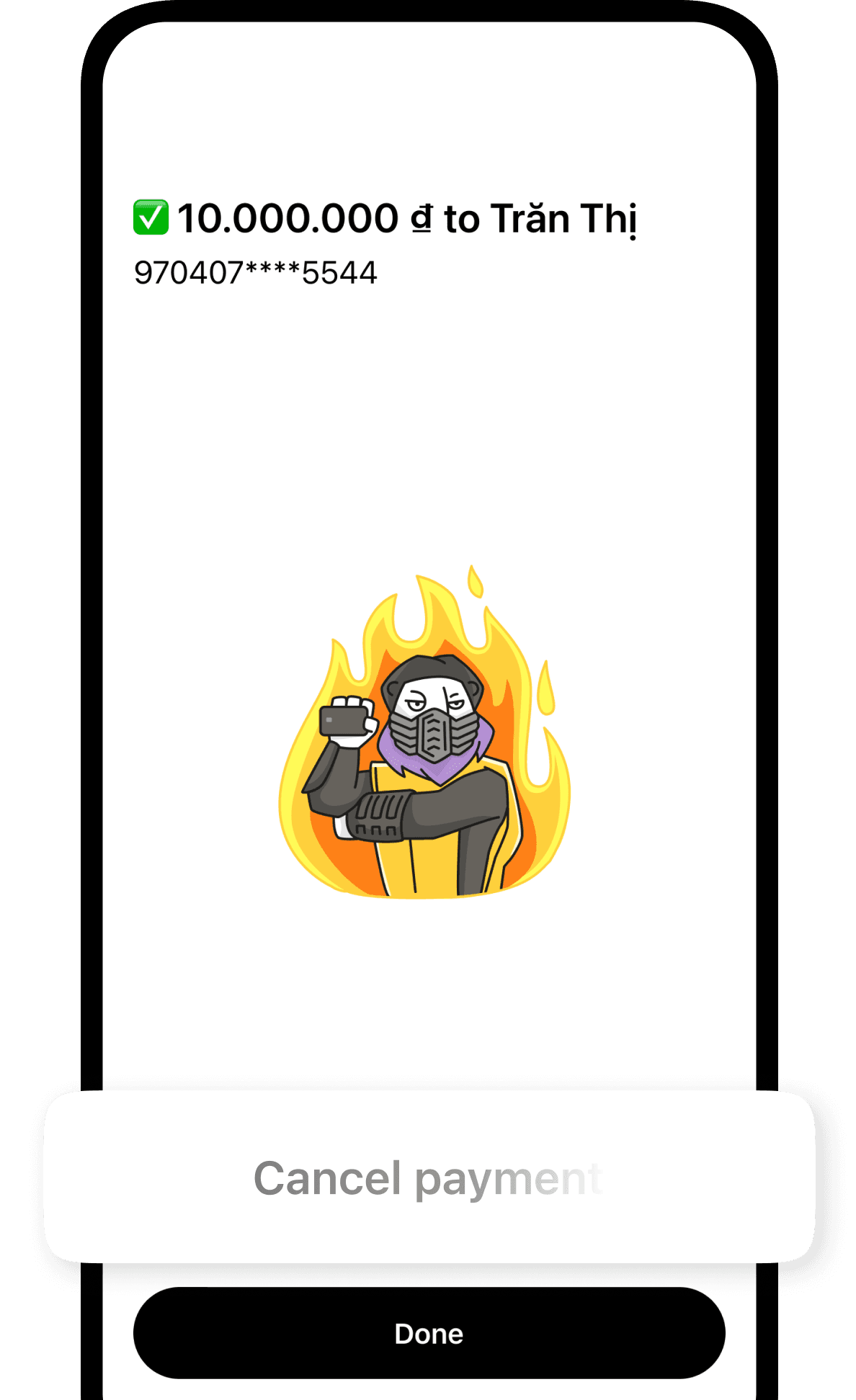
Cancel Transactions

Sent to the wrong person? Transferred the wrong amount? Don't worry, Liobank now offers you a transaction cancellation feature! Within seconds of transferring, you can change your mind and cancel the transaction
Step 1
02

Faster Payments

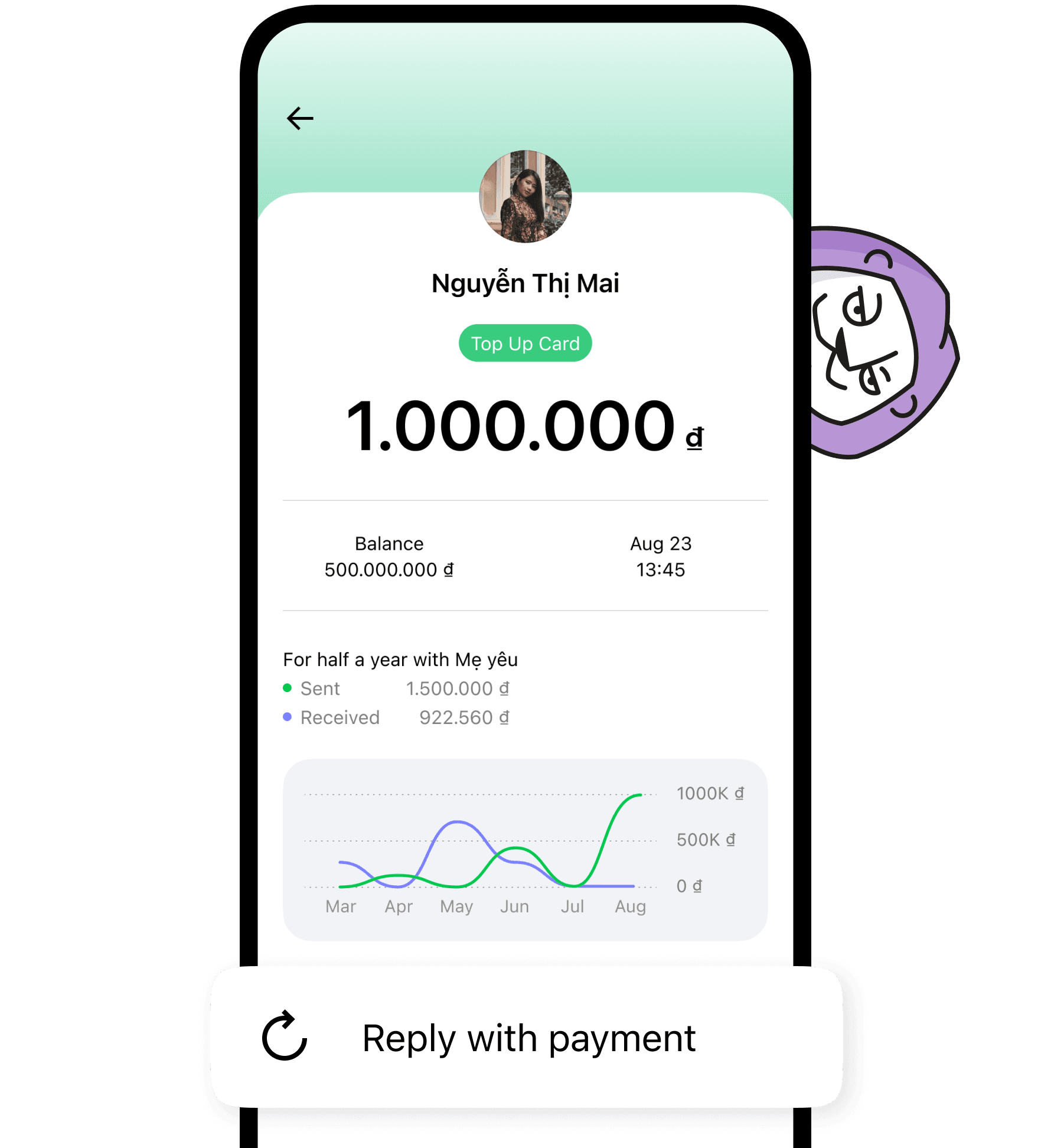
Simplify your payments with just one touch. You can easily transfer money to someone who previously transferred money to you, just select “Repay” without having to fill in information or phone number
Step 2
03

Re-transfer

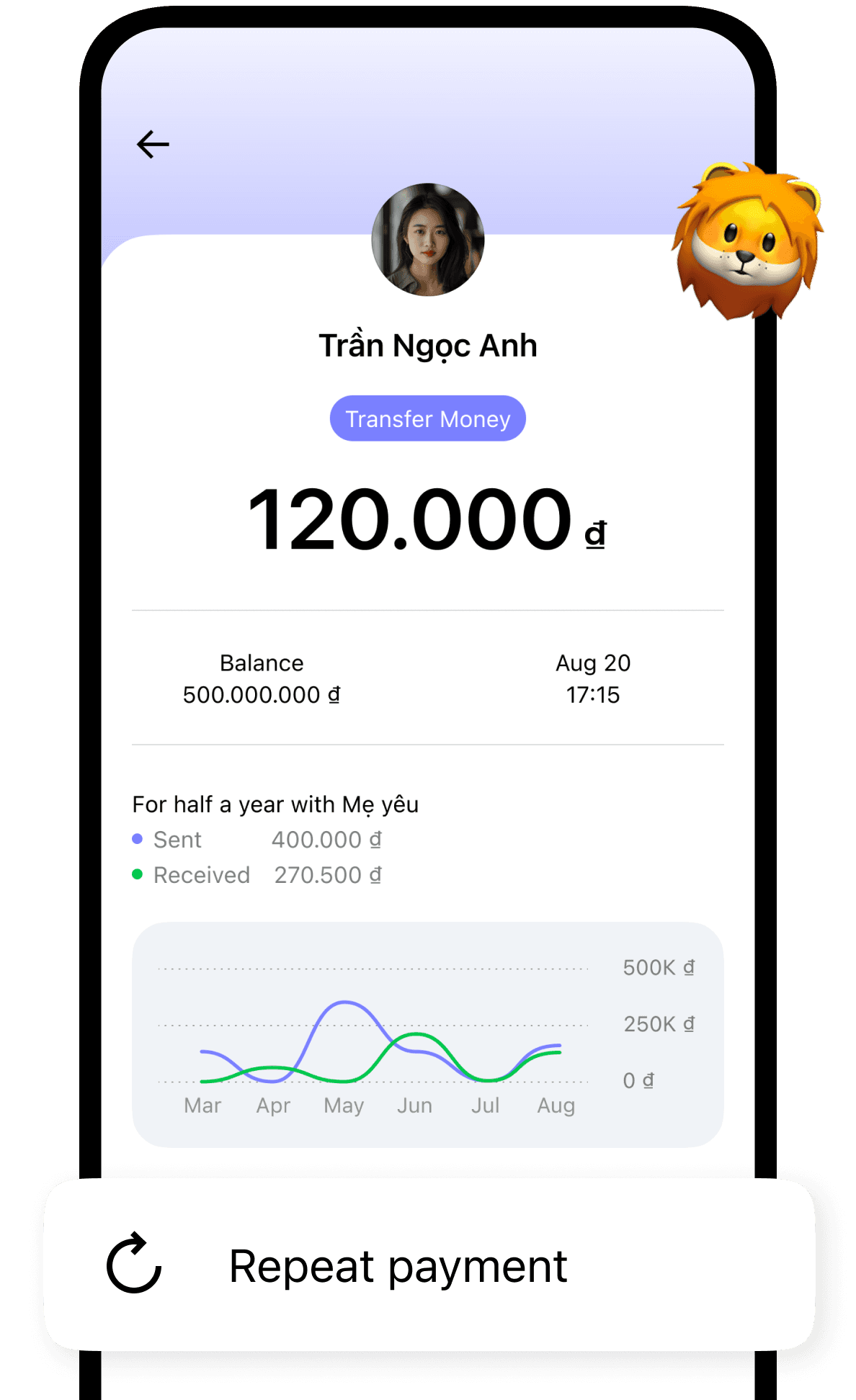
Once you've transferred money to another account, you can quickly redo the transfer without having to re-enter the information. Just select “Repay” and complete the payment
Step 3
04

Split the bill

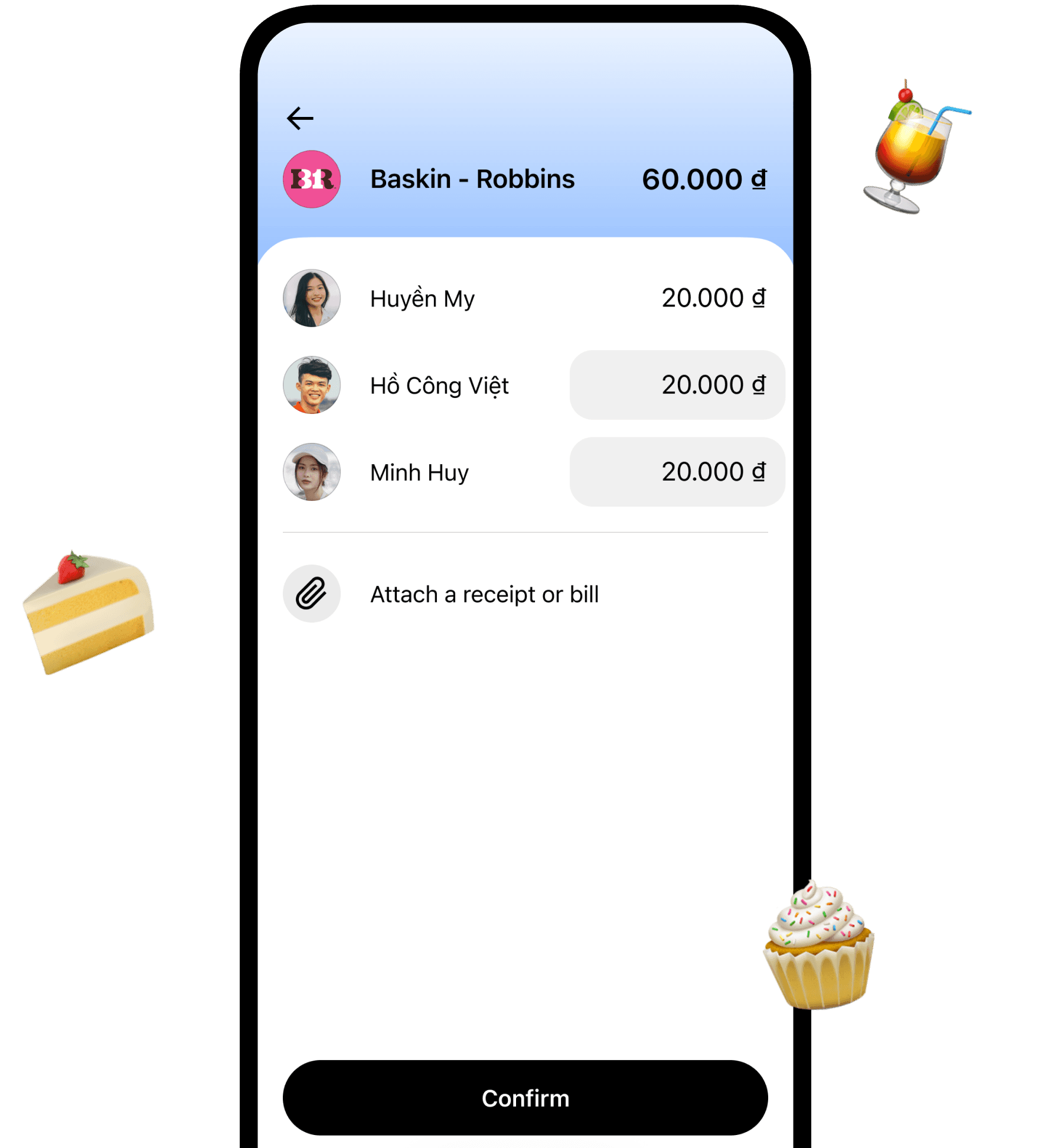
Have you ever been in a situation where you went out to eat or shop with a group of friends but only had one bill? It's very difficult to pay, right? That's why we've introduced the split bill feature to help you
Step 4

With Liobank, withdrawing cash without a card is easy

Just follow these simple steps:
  1. Go to an OCB ATM or an ATM of the following banks: OCB, ACB, SaigonBank, BIDV, Agribank, Sacombank, VietinBank. Learn more
    here
  2. Choose the “Withdraw cash using QR code” feature at ATMs
  3. Select “Scan QR code” on the Liobank app's main screen or select the “Withdraw Cash using QR code at ATM” feature in the “Payment” section
  4. Scan the code and select the amount you want to withdraw (Note: The amount must be a multiple of 100,000)
  5. Confirm the transaction with your PIN on the Liobank app and at the ATM
  6. Receive cash from the ATM
The cash withdrawal feature applies to both self-funded and credit-funded accounts
Mobile phone
Note
You will be exempt from withdrawal fees at OCB ATMs. For other banks, there will be a 1% fee on transactions from self-funded accounts. For cash withdrawals from credit limits, Liobank will apply a 4% fee on the total amount withdrawn

Frequently Asked Questions 🧐

Are there any fees for transferring funds from Liobank to other Liobank accounts?

Transferring money from a Liobank personal account to other Liobank bank accounts is free

Are there any fees for transferring money from Liobank to other bank accounts?

Transferring money from a Liobank personal account to other bank accounts is free

Which payments supported by Liobank are free?

  • Mobile phone top-ups
  • Utility bills (electricity and water)
  • Cable TV bills
  • Paying other bills
All of the above bills are free when you pay them (applies to both personal and credit accounts)

Can I cancel the transaction?

You can cancel a completed transaction within 5 seconds of completion

Download and get your card now 🖤

Scan to download the app
Download App
App Store
Play Market
card